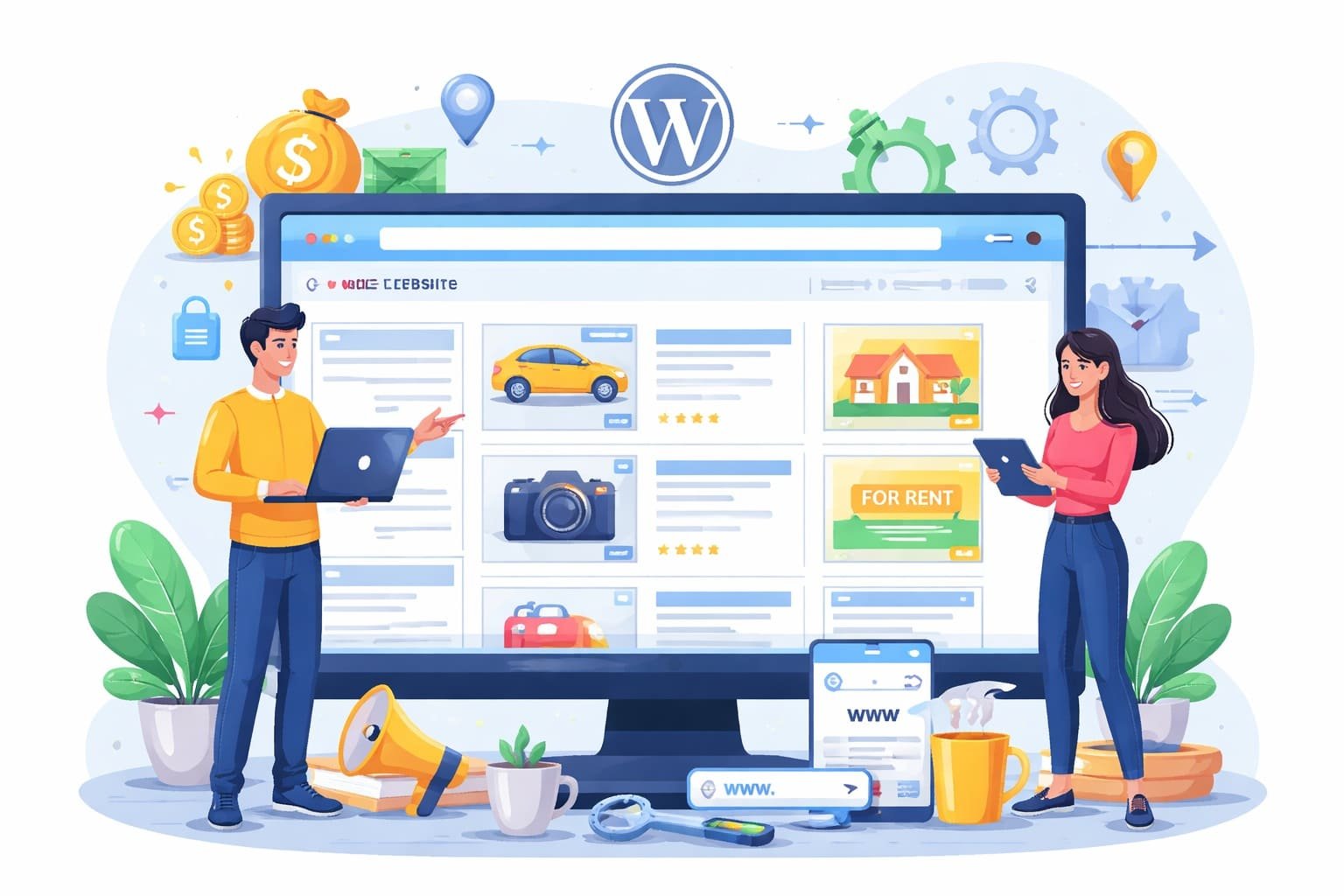
How to Create a Classified Website with WordPress and Start Earning Online

Want to build your own classified website? This guide shows how to create a WordPress-based ad listing site from scratch and turn it into a steady income source.

Learn
31. Mar 2026
71 views
How to Create a Classified Website with WordPress and Start Earning Online


Creating a classified website today is one of the smartest ways to build a scalable online business. Platforms where users can post ads, sell products, or promote services continue to grow in demand. The good news is—you don’t need coding skills to build one. With WordPress, you can launch a fully functional classified website quickly and affordably.

In this guide, you’ll learn exactly how to create your own classified website step by step, even if you’re a beginner.

What is a Classified Website?

A classified website is a platform where users can post advertisements for products, services, jobs, real estate, or anything else. Popular examples include OLX and OwnPetz.

These websites typically allow users to:

  • Create accounts
  • Post ads with images and descriptions
  • Browse listings by category or location
  • Contact sellers directly

Why Use WordPress for a Classified Website?

WordPress is the most popular website builder in the world, and it’s perfect for classified sites because:

  • It’s beginner-friendly
  • Thousands of themes and plugins are available
  • No coding is required
  • Highly customizable
  • SEO-friendly for ranking on Google

How to Create a Classified Website with WordPress

Step 1: Get a Domain Name and Hosting

To start, you need:

  • A domain name (your website name)
  • Web hosting (where your website files are stored)

You can choose a reliable hosting provider like Hostinger because it offers:

  • Affordable plans
  • One-click WordPress installation
  • Fast loading speed
  • Free SSL certificate

Choose a domain name that is:

  • Easy to remember
  • Relevant to your niche (e.g., pets, jobs, real estate)

Step 2: Install WordPress

Most hosting providers offer one-click installation for WordPress.

After installation:

  • Log in to your dashboard (yourwebsite.com/wp-admin)
  • Set your website title and tagline
  • Configure basic settings

Step 3: Choose a Classified Theme

A theme controls the design and layout of your website.

You can use:

  • Free themes from WordPress library
  • Premium classified themes for advanced features

Look for themes that support:

  • Frontend ad posting
  • User dashboards
  • Mobile responsiveness
  • Category-based listings

Some popular classified themes include:

  • ClassiPress
  • Listify
  • AdForest

Step 4: Install a Classified Plugin

To turn your website into a classified platform, you need a plugin.

Popular options include:

  • Osclass (great for dedicated classified sites)
  • WP Adverts
  • Advanced Classifieds & Directory Pro

These plugins help you:

  • Allow users to submit ads
  • Manage listings
  • Add categories and filters
  • Enable user registration

Step 5: Create Categories and Listings Structure

Organizing your website properly is very important.

Create categories like:

  • Jobs
  • Real Estate
  • Vehicles
  • Electronics
  • Services

You can also add subcategories for better navigation.

Step 6: Enable User Registration

A classified site depends on user-generated content.

Enable:

  • User signup/login
  • User dashboard
  • Ad management (edit/delete listings)

This allows users to manage their own ads easily.

Step 7: Add Essential Pages

Create important pages such as:

  • Home
  • About Us
  • Contact Us
  • Privacy Policy
  • Terms & Conditions

These pages build trust and improve SEO.

Step 8: Set Up Payment Options (Optional)

If you want to earn money, you can charge users for posting ads.

You can:

  • Offer free listings with premium upgrades
  • Charge for featured ads
  • Provide subscription plans

Most plugins support payment gateways like:

  • PayPal
  • Stripe

Step 9: Optimize for SEO

To get traffic from Google, optimize your website:

  • Use SEO plugins like Rank Math or Yoast
  • Add keywords in titles and descriptions
  • Write SEO-friendly category pages
  • Optimize images
  • Improve website speed

Step 10: Promote Your Classified Website

Once your website is live, focus on promotion:

  • Share on social media
  • Use WhatsApp groups and communities
  • Write blog content related to your niche
  • Use local SEO for targeted traffic

Common Mistakes to Avoid

  • Choosing slow or cheap hosting
  • Ignoring mobile optimization
  • Not setting clear categories
  • Skipping SEO optimization
  • Making the site too complex

How to Make Money from a Classified Website

You can monetize your classified website in several ways:

  • Paid ad listings
  • Featured ads
  • Banner advertisements
  • Affiliate marketing
  • Subscription plans

Over time, as traffic grows, your earnings can increase significantly.

Final Thoughts

Creating a classified website is no longer a complicated task. With WordPress and the right tools, you can build a professional platform without technical knowledge.

Focus on simplicity, user experience, and consistent promotion. If done right, your classified website can become a long-term source of income and even grow into a full-fledged business.

If you stay consistent and keep improving your platform, success will follow.

Image Credits: Created by ChatGPT using DALL·E (OpenAI).

The information in this article is for general reference only. Product details, pricing, and availability may change over time, and we can’t guarantee everything is 100% accurate. Some content may be created with the help of AI tools like ChatGPT. Please check the official website or seller before making a purchase. Some articles may contain affiliate links, and we may earn a small commission at no extra cost to you.

To know more about our platform, visit our About Us page.


Image Disclaimer: Product images are used for reference and review purposes only. All trademarks, logos, and images belong to their respective brands or Amazon sellers.

Follow on LinkedIn

Comments

No comments has been added on this post

Add new comment

You must be logged in to add new comment. Log in
Saurabh
Learn anything
PHP, HTML, CSS, Data Science, Python, AI
Categories
Review
Check all Products Review.
Gaming Blog
Game Reviews, Information and More.
Learn
Learn Anything
Factory Reset
How to Hard or Factory Reset?
Osclass Solution
Find Best answer here for your Osclass website.
Information
Check full Information about Electronic Items. Latest Mobile launch Date. Latest Laptop Processor, Laptop Driver, Fridge, Top Brand Television.
Pets Blog
Check Details About All Pets like Dog, Cat, Fish, Rabbits and More. Pet Care Solution, Pet life Spam Information
Lately commented
Great breakdown of causes and treatment options — very insightful. ·
Is Obesity a Disease? Myths, Genetic...
Very informative article! It really changed how I look at obesity. ·
Is Obesity a Disease? Myths, Genetic...
Well explained! Morning nutrition made easy. ·
Banana vs Dates on Empty Stomach: Wh...
Loved how clearly you explained the benefits of both fruits. ·
Banana vs Dates on Empty Stomach: Wh...
Simple and informative article — cleared my confusion about banana vs da... ·
Banana vs Dates on Empty Stomach: Wh...
This is a great resource for dog lovers looking for inspiring and humoro... ·
Top 50 Dog Quotes for Social Media: ...
This is a helpful resource for pet owners who are concerned about their ... ·
Why my dogs eat grass? When To Be Wo...
Thank you for creating this valuable resource on plant toxicity in dogs.... ·
What Plants Are Toxic to Dogs: A Com...
