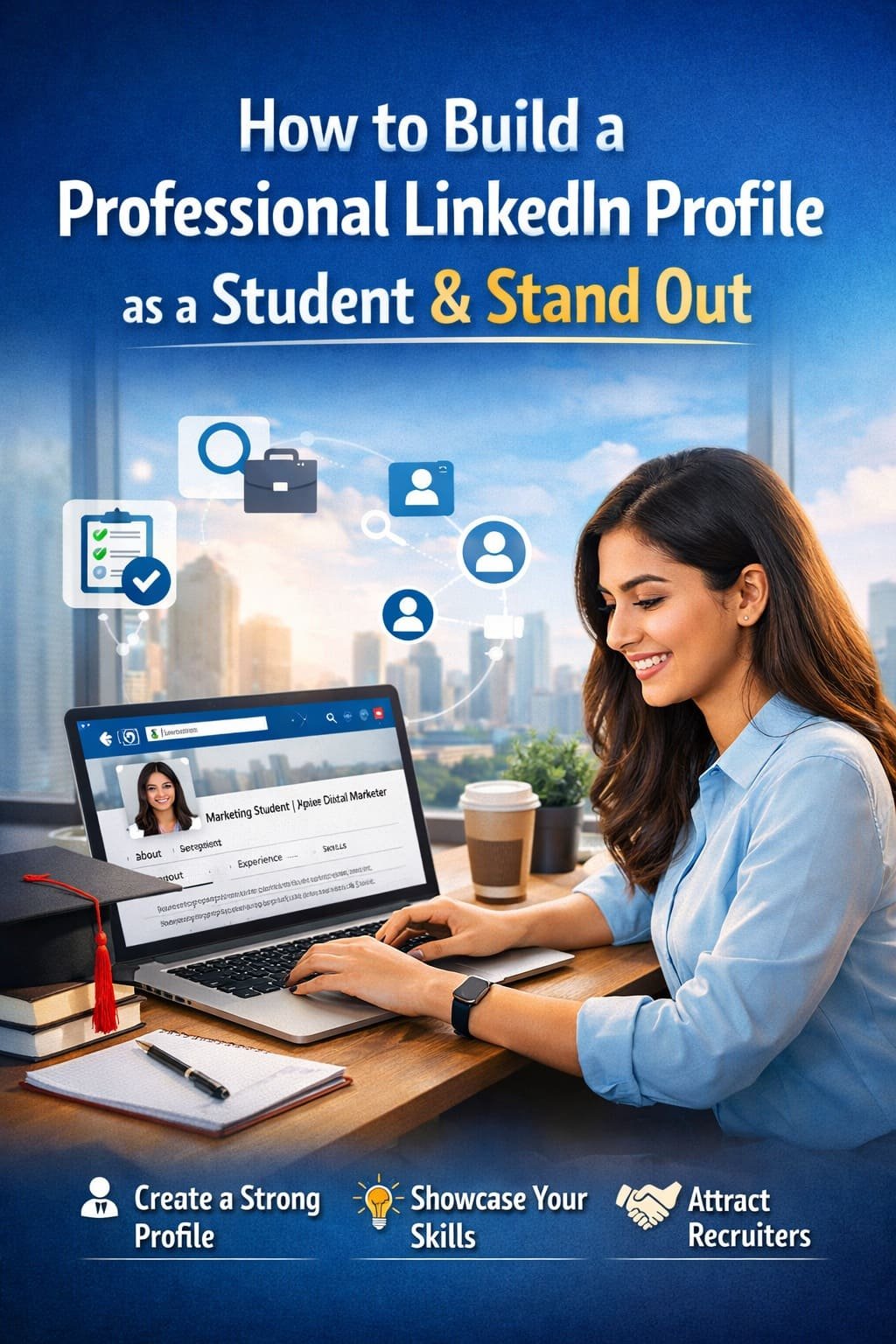
How To Build a Professional LinkedIn Profile as a Student and Stand Out

Discover practical tips to create a strong LinkedIn profile as a student. Highlight your skills, projects, and goals to attract recruiters and internship opportunities.

Learn
11. Feb 2026
34 views
How To Build a Professional LinkedIn Profile as a Student and Stand Out


In today’s competitive world, your LinkedIn profile is more than just a digital resume. It’s your personal brand, your networking tool, and often your first impression in front of recruiters and hiring managers.

As a student, you might feel you don’t have enough experience to create a strong LinkedIn presence. But the truth is, you don’t need years of work history to build a professional profile. You just need clarity, structure, and the right strategy.

Here’s a complete guide to help you build a powerful LinkedIn profile as a student.

1. Start With a Professional Profile Photo

Your photo is the first thing people notice. Profiles with professional photos receive significantly more views and connection requests.

You don’t need a studio shoot. Just follow these simple tips:

  • Wear neat, professional attire
  • Use a clean, simple background
  • Make sure your face is clearly visible
  • Smile naturally
  • Avoid group photos or casual selfies

Think of it as your digital handshake.

2. Write a Strong and Clear Headline

Your headline appears right below your name. Most students make the mistake of writing only:

“Student at XYZ University”

That wastes valuable space.

Instead, include:

  • Your degree
  • Your area of interest
  • A skill or career goal

For example:

  • Computer Science Student | Aspiring Data Analyst | Python & SQL Enthusiast
  • BBA Student | Interested in Marketing & Brand Strategy
  • Mechanical Engineering Student | Passionate About Automotive Design

Your headline should quickly tell people who you are and what you’re aiming for.

3. Craft a Compelling “About” Section

This is your story. Avoid copying resume lines or writing something robotic. Write in a natural, confident tone.

Structure it like this:

Paragraph 1: Who you are and what you’re studying
Paragraph 2: Your interests, strengths, and key skills
Paragraph 3: Your career goals and what opportunities you’re seeking

Example structure:

  • What excites you about your field?
  • What projects or experiences shaped you?
  • What kind of roles are you exploring?

Keep it professional but human. Let your personality show.

4. Highlight Your Education Properly

As a student, your education section matters a lot.

Include:

  • Degree and major
  • University name
  • Expected graduation year
  • Relevant coursework
  • Academic achievements
  • Clubs or leadership roles

If you’ve worked on research, capstone projects, or competitions, mention them here or in a separate project section.

5. Add Internships, Part-Time Jobs, and Projects

You don’t need a full-time corporate job to look professional.

Include:

  • Internships
  • Freelance work
  • Volunteer experience
  • College projects
  • Startup work
  • Campus ambassador roles

For each experience:

  • Describe what you did
  • Mention measurable results if possible
  • Highlight skills you developed

Instead of writing:

“Worked on social media.”

Write:

Managed Instagram page for college fest, increased engagement by 35% in 2 months.

Numbers add credibility.

6. Showcase Skills Strategically

LinkedIn allows you to add skills to your profile. Don’t just add random ones.

Focus on:

  • Technical skills (e.g., Excel, Python, Canva, AutoCAD)
  • Soft skills (Communication, Leadership, Teamwork)
  • Industry-specific tools

Ask classmates, professors, or internship mentors to endorse your skills.

Keep your most important skills at the top.

7. Add Certifications and Courses

Online certifications matter, especially as a student.

Include:

  • Coursera courses
  • Google certifications
  • AWS, Microsoft, or HubSpot certificates
  • Workshop participation
  • Bootcamps

These show initiative and willingness to learn beyond classroom education.

8. Customize Your LinkedIn URL

A custom URL looks professional and is easy to share on resumes.

Instead of:

linkedin.com/in/rahul12345xyz

Change it to:

linkedin.com/in/rahul-sharma

It’s a small detail, but it makes a big difference.

9. Build Meaningful Connections

Don’t send random connection requests. Be intentional.

Connect with:

  • Alumni from your college
  • Professors
  • Internship colleagues
  • Industry professionals
  • Recruiters in your field

Always add a short note when connecting. A simple message works:

Hi, I’m a second-year Computer Science student interested in data analytics. I’d love to connect and learn from your experience.

Networking is about relationships, not just numbers.

10. Stay Active and Share Valuable Content

A strong profile is not just about what’s written. It’s also about how active you are.

You can:

  • Share insights from your coursework
  • Post about internships or projects
  • Write short articles
  • Comment thoughtfully on industry posts
  • Celebrate achievements

Consistency builds visibility.

Even posting once a week can make a difference.

11. Ask for Recommendations

Recommendations add credibility.

Request them from:

  • Internship supervisors
  • Professors
  • Project mentors
  • Team leaders

A short, genuine recommendation can significantly improve your profile’s impact.

12. Keep Updating Your Profile

Your LinkedIn profile is not a one-time task.

Update it when:

  • You complete a course
  • You finish a project
  • You win a competition
  • You gain a new certification
  • You change career interests

Treat it as a living document.

Common Mistakes Students Should Avoid

  • Leaving the profile incomplete
  • Using casual or unprofessional photos
  • Writing generic summaries
  • Adding irrelevant skills
  • Copy-pasting resume language
  • Being inactive for months

A polished profile shows seriousness about your career.

Why LinkedIn Matters for Students

Many internships and entry-level jobs are filled through networking, not job portals. Recruiters often search LinkedIn before shortlisting candidates.

A strong LinkedIn profile can help you:

  • Get internship opportunities
  • Receive recruiter messages
  • Build industry connections
  • Strengthen your personal brand
  • Stand out from other students

In a competitive job market, visibility matters.

Final Thoughts

You don’t need to wait until graduation to look professional. As a student, this is the perfect time to build your digital presence.

Start simple. Complete your profile. Tell your story honestly. Showcase your skills. Stay active.

LinkedIn is not just a platform for experienced professionals. It’s a platform for ambitious students who are ready to grow.

Build your profile today, and let it open doors for tomorrow.

Image Credits: Created by ChatGPT using DALL·E (OpenAI).

The information in this article is for general reference only. Product details, pricing, and availability may change over time, and we can’t guarantee everything is 100% accurate. Some content may be created with the help of AI tools like ChatGPT. Please check the official website or seller before making a purchase. Some articles may contain affiliate links, and we may earn a small commission at no extra cost to you.

To know more about our platform, visit our About Us page.


Image Disclaimer: Product images are used for reference and review purposes only. All trademarks, logos, and images belong to their respective brands or Amazon sellers.

Follow on LinkedIn

Comments

No comments has been added on this post

Add new comment

You must be logged in to add new comment. Log in
Saurabh
Learn anything
PHP, HTML, CSS, Data Science, Python, AI
Categories
Review
Check all Products Review.
Gaming Blog
Game Reviews, Information and More.
Learn
Learn Anything
Factory Reset
How to Hard or Factory Reset?
Osclass Solution
Find Best answer here for your Osclass website.
Information
Check full Information about Electronic Items. Latest Mobile launch Date. Latest Laptop Processor, Laptop Driver, Fridge, Top Brand Television.
Pets Blog
Check Details About All Pets like Dog, Cat, Fish, Rabbits and More. Pet Care Solution, Pet life Spam Information
Lately commented
This is a great resource for dog lovers looking for inspiring and humoro... ·
Top 50 Dog Quotes for Social Media: ...
This is a helpful resource for pet owners who are concerned about their ... ·
Why my dogs eat grass? When To Be Wo...
Thank you for creating this valuable resource on plant toxicity in dogs.... ·
What Plants Are Toxic to Dogs: A Com...
This article offers valuable insights into potential causes and treatmen... ·
What to Do if Your Dog Is Rubbing It...
Thank you for creating this comprehensive guide. It's very helpful! ·
50 Essential Digital Marketing FAQs ...
Great job! This is really well done. ·
Top 10 Data Analytics Courses Instit...
Thanks for the tips on choosing the best earbuds for workouts. ·
How to Choose the Best Wireless Earb...
Excellent post. I am facing a few of these issues as well.. ·
Non-Health Reasons Your Cat Has Stop...
