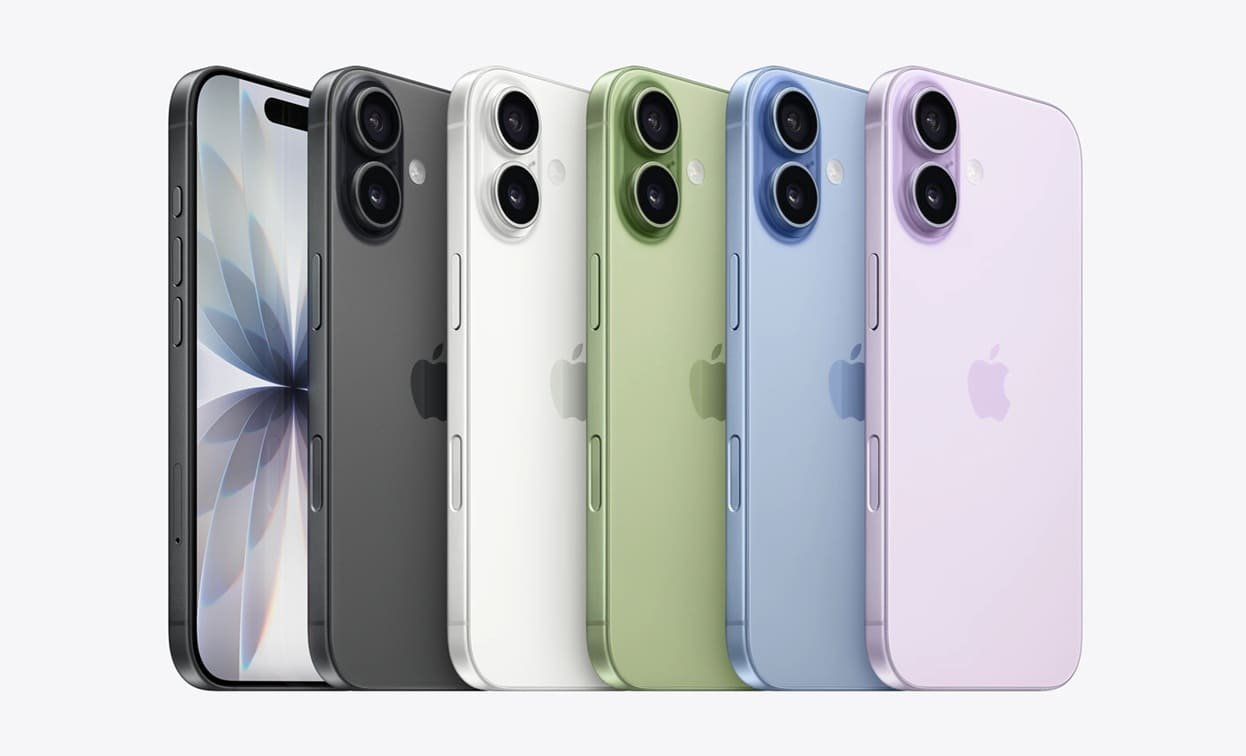
Apple designs the iPhone to be simple on the surface, but underneath that clean interface are powerful features many users never discover. These hidden Apple hacks can save time, boost productivity, and completely change the way you interact with your iPhone every day. Whether you’re a casual user or someone who relies heavily on your phone, these tips can make your iPhone feel smarter and more personal.
One of the most underrated iPhone features is Back Tap. It allows you to perform actions just by tapping the back of your phone two or three times.
You can set Back Tap to take a screenshot, open Control Center, lock your screen, or even launch a specific app. Once enabled, it feels surprisingly natural and becomes a fast shortcut you’ll use daily.
To enable it, go to Settings → Accessibility → Touch → Back Tap and assign actions to double or triple taps.
Live Text lets your iPhone recognize and interact with text inside photos, screenshots, and even the camera viewfinder. You can copy, paste, translate, or search text directly from an image.
This is incredibly useful for copying phone numbers from posters, saving addresses from photos, or grabbing text from notes and documents without typing. It works smoothly and feels almost magical once you start using it regularly.
Live Text is available on newer iPhones running recent iOS versions and works automatically in Photos and Camera apps.
Editing text on a small screen can be frustrating, but Apple quietly built in a trackpad mode that makes it much easier.
Simply press and hold the space bar on the keyboard. The keyboard turns into a trackpad, allowing you to move the cursor precisely through text. This makes editing messages, emails, and notes far more accurate and less annoying.
Once you get used to this, you’ll wonder how you ever edited text without it.
Most users swipe up and pause to switch apps, but there’s a faster way. By swiping left or right along the bottom bar, you can instantly move between recently used apps.
This gesture is perfect when multitasking between two or three apps, such as messaging while browsing or checking notes while watching videos. It feels smooth and saves valuable time throughout the day.
This feature works on iPhones without a Home button.
Safari’s Reader Mode strips away ads, pop-ups, and clutter, leaving only the main text and images of an article. It also lets you change font style, text size, and background color for easier reading.
Many users overlook this feature, but it can completely change your reading experience, especially for long articles. It’s also easier on the eyes and can help reduce screen fatigue.
To activate it, tap the AA icon in the address bar while viewing an article and select Reader Mode.
These Apple hacks don’t just add cool tricks to your iPhone. They improve everyday usability, reduce friction, and help you get more done with less effort. Apple often hides powerful tools behind simple menus, and discovering them can make your device feel brand new again.
Your iPhone is far more capable than most people realize. Features like Back Tap, Live Text, trackpad typing, quick app switching, and Safari Reader Mode are small changes that make a big difference in daily use. Taking a few minutes to explore these hidden Apple hacks can transform how you interact with your iPhone and help you get the most out of your device.
Image Credits: iPhone 17
To know more about our platform, visit our About Us page.


Comments