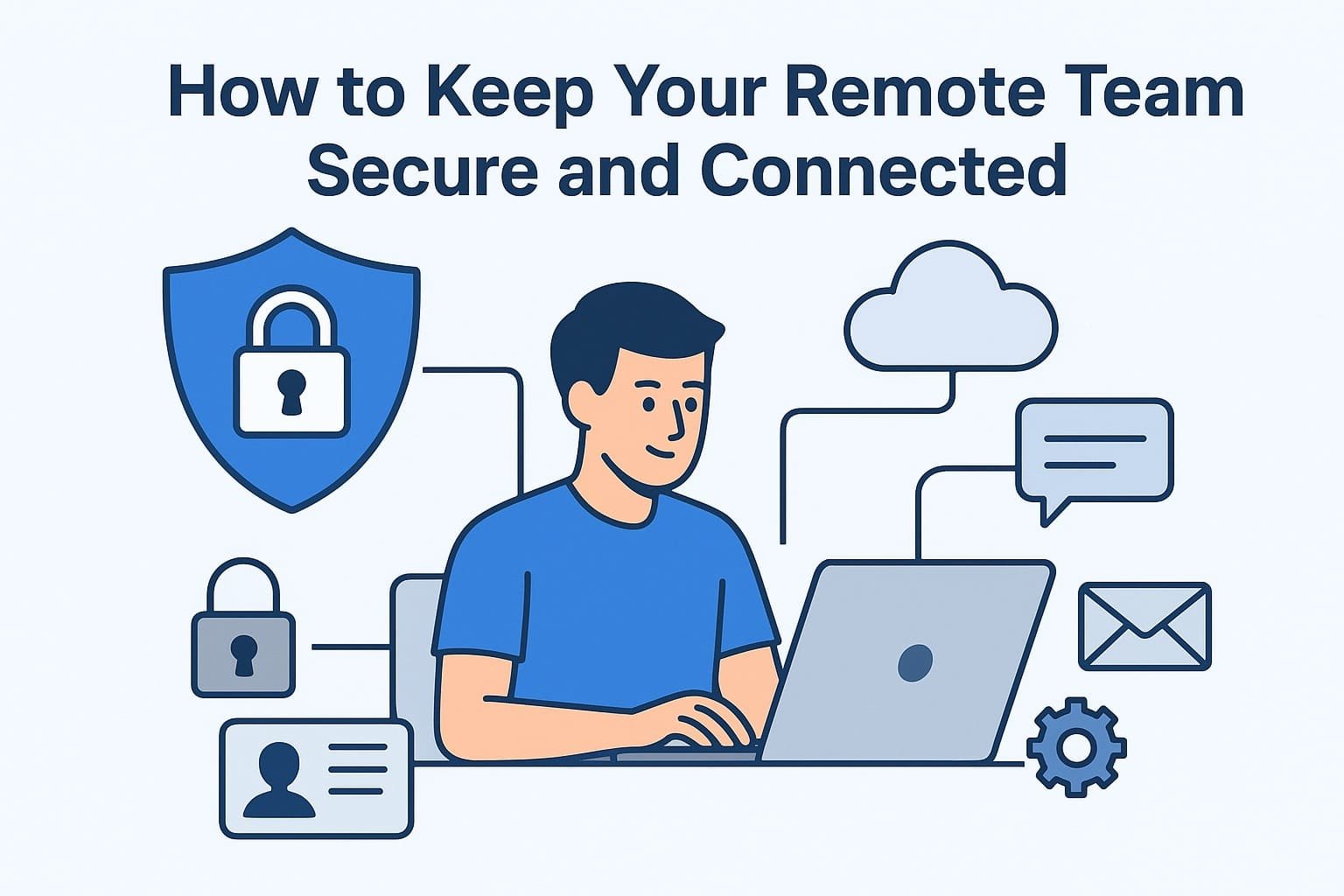
Remote work has become the backbone of modern business operations, offering flexibility and productivity benefits that traditional workplaces often struggle to match. However, managing a remote team also brings new challenges—especially in terms of security and communication. When your workforce is distributed across cities or even continents, protecting company data and maintaining seamless collaboration becomes a top priority.
This guide breaks down practical, real-world strategies to help you keep your remote team both secure and connected, without overwhelming your employees or disrupting their workflow.
A secure remote team begins with strict control over who can access what.
Use:
These prevent unauthorized users from getting into your company’s sensitive tools or data.
A VPN creates a protected connection between the employee and your company’s network.
It encrypts information, reduces the risk of data breaches, and protects users on public or unsecured networks. Every remote employee should use a VPN before accessing company files.
Cloud services such as Google Workspace, Microsoft 365, and Slack are essential for remote teams.
They offer:
Cloud-based tools keep everyone aligned and connected from anywhere in the world.
Many data breaches happen because of human error, not sophisticated hackers.
Conduct regular training sessions on:
A well-informed team is your strongest line of defense.
Your team’s communication channels should be secure by default. Platforms offering end-to-end encryption ensure that only intended recipients can read the messages. This is critical when discussing confidential business matters.
Every device connecting to your system must meet your security standards.
Apply:
Encourage employees to separate work and personal devices whenever possible.
Remote teams need a unified platform where they can communicate, share resources, and collaborate seamlessly.
A central hub reduces confusion and prevents information from getting scattered across multiple apps.
Security isn’t only about systems—it’s also about people.
When employees feel comfortable asking questions or reporting issues, problems are resolved before they escalate. Maintain open communication lines through:
This also helps employees feel less isolated and more connected to the organization.
Regular audits help you ensure that only the right people have access to the right tools.
If someone leaves the company or changes roles, update their permissions immediately. This prevents unnecessary exposure to sensitive data.
Automation can simplify remote security management. Automated alerts, compliance reminders, and system monitoring reduce the load on IT teams and help identify threats early.
However, automation should complement—not replace—human oversight.
Keeping a remote team secure and connected isn’t a one-time task—it’s an ongoing responsibility. By implementing strong security practices, relying on trusted collaboration tools, educating employees, and fostering open communication, you create a work environment where your team can thrive safely and efficiently.
Image Credits: Created by ChatGPT using DALL·E (OpenAI).
To know more about our platform, visit our About Us page.


Comments