
The abundance of top-notch apps available for macOS is one of its finest features. There are excellent apps for practically everything you can imagine, from remapping keys to just managing external monitors. There are numerous lesser-known applications that merit your attention as well, even if most of us are familiar with the major competitors on the market.
These are the top 10 for us.
1. Karabiner
2. Acorn
3. SoundSource
4. Dato
5. Lunar
6. CleanShot X
7. Maccy
8. Amphetamine
9. Rectangle
10. Raycast

Karabiner is the tool you need if you want to assign unique functionalities to individual keys on your Mac's keyboard. For example, if your Caps Lock key is damaged, you may map it to a function key instead. This is one of its most useful applications. When an external keyboard is connected, you may deactivate the Mac's default keyboard and even assign some keys to mouse buttons. Try your hand at some of Karabiner's many sophisticated user tools.
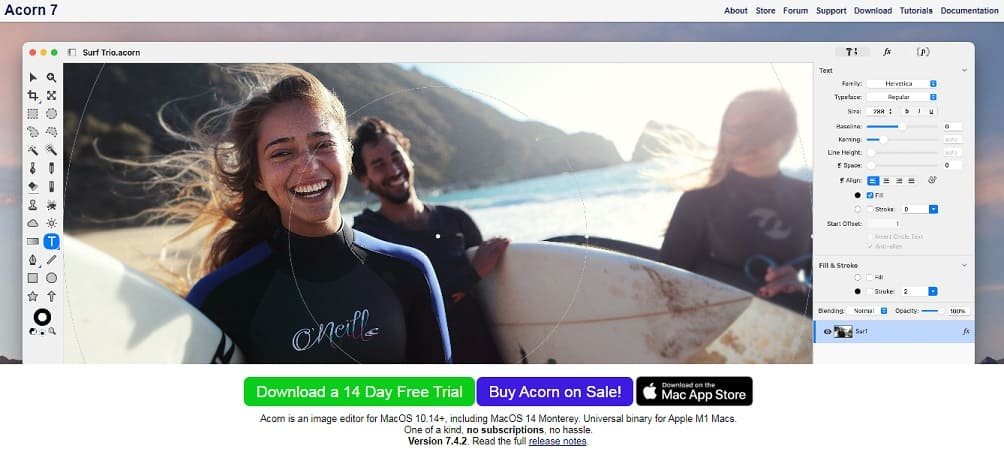
Even though Preview is a rather capable picture reader and rudimentary editor, many users still desire a more advanced photo editing app. We'd generally suggest Acorn ($40) to most individuals. It is simple to use and contains effective tools for sophisticated editing. It can also load PSD files and import Photoshop brushes, showing that it has some basic Photoshop compatibility.
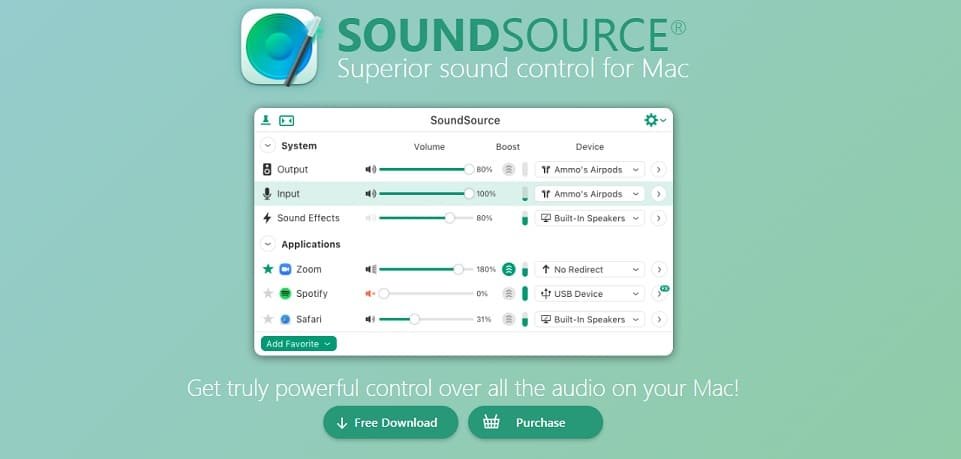
App notifications during a movie or concentrated work have definitely irritated you in the past. To silence all notifications, utilise the Do Not Disturb (DND) option in macOS. Alternatively, you may use SoundSource ($47 after trial), which lets you customise the loudness for each apps.
Additionally, Apple Music and other applications' audio may be sent straight to your headphones via SoundSource, allowing you to stream Apple Music songs on your headphones while having alert noises played via the Mac's speaker. Although SoundSource is pricey, if you're seeking for a free substitute, check Background Music.
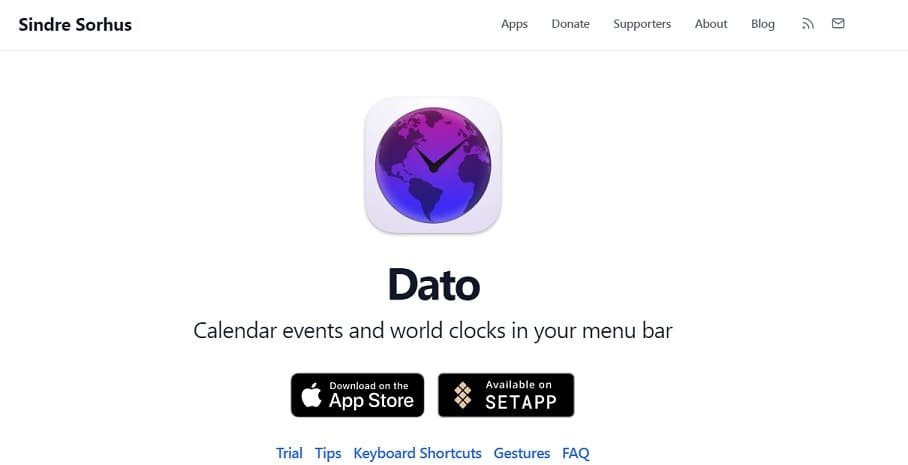
Dato is a reliable calendar application for your Mac's menu bar. You can set up a distraction-free calendar arrangement for your Mac by configuring it to display items such as a global clock or meeting reminders immediately in the menu bar in addition to the calendar itself. Even though the software costs $8, the developer's website offers a fully functional free trial. The trial version will prompt you to purchase the app twice daily and won't get any updates.

Lunar is recommended for advanced Mac users with multiple display setups. You may disable certain displays and control external displays using hardware keys on your Mac's keyboard. The finest Mac app for managing numerous external displays is worth the $23 price tag because of its premium capabilities.

The built-in snapshot tool on your Mac is excellent, but if you want to step up your screenshot game, turn to CleanShot X ($29 for one year of upgrades). The application features superb annotation and screenshot editing capabilities, the ability to take scrolling screenshots to capture full webpages, the ability to make screen recordings and gifs, and more. It may also help you produce screenshots that look fantastic on social media by copying text from photographs and adding attractive backdrops.
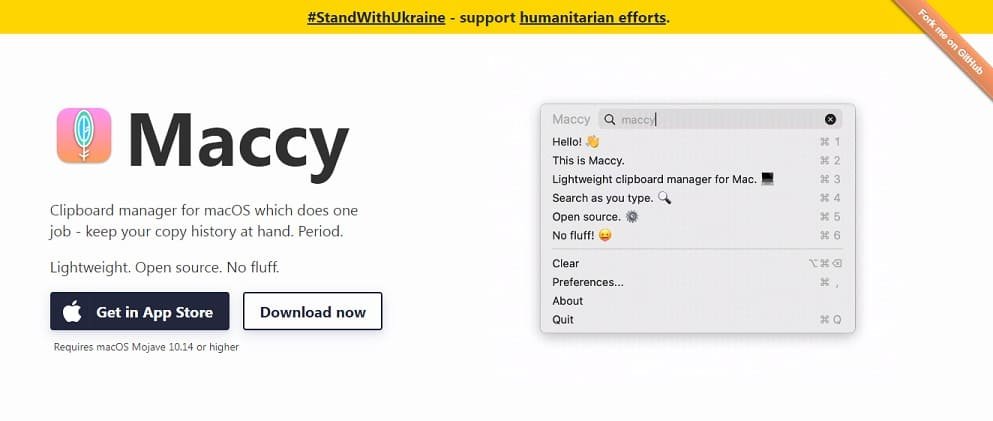
Try Maccy if you require a clipboard manager for your Mac. When you copy something to the clipboard, the application saves it so you can readily find it again later. In some circumstances, such as when a password manager removes sensitive data from the clipboard, it also deletes objects from the clipboard. The application is free to download if you do so from the developer's website. Through the Mac App Store, it costs $10.
Amphetamine prevents your Mac from going to sleep, a straightforward function with a variety of useful applications, such as allowing you to utilise your MacBook in clamshell mode when connected to an external display by shutting the lid. Additionally, you may configure custom triggers to stop your Mac from going to sleep when a specific application is active or when a particular accessory is plugged in.
On macOS, window management might be a little cumbersome, but Rectangle makes it simple to use. The application gives you keyboard shortcuts for swiftly moving open windows around. Even if there is a premium version, practically everyone prefers the free alternative. Rectangle Pro is available for $8 if you'd want further features including personalised shortcuts for windows of any size and orientation.
You might also have a look at Magnet ($8) or Swish ($16), as alternatives. Since Magnet is accessible through the Mac App Store, you won't have to worry about keeping track of a licence key or reinstalling the application if you get a new Mac in the future.
Swish offers a novel approach to window management by combining keyboard shortcuts and trackpad motions. Swish's pricing varies depending on the area you're in, thus in certain places it can just cost $3.

Raycast is the tool you should use if Spotlight isn't cutting it for you. The app is quick, adaptable, and cost-free. It excels at finding material on your Mac and includes a collection of extensions that enable you use Raycast to directly control external applications like Spotify. Raycast extensions may be used to perform Google searches, discover and listen to music on Spotify and YouTube, among other things.
The free version of Alfred is really good if all you need is a Spotlight substitute that can search files and run programmes without cost. However, Alfred's Powerpack (which isn't free) unleashes its full potential as an automation centre.
To know more about our platform, visit our About Us page.


Comments